
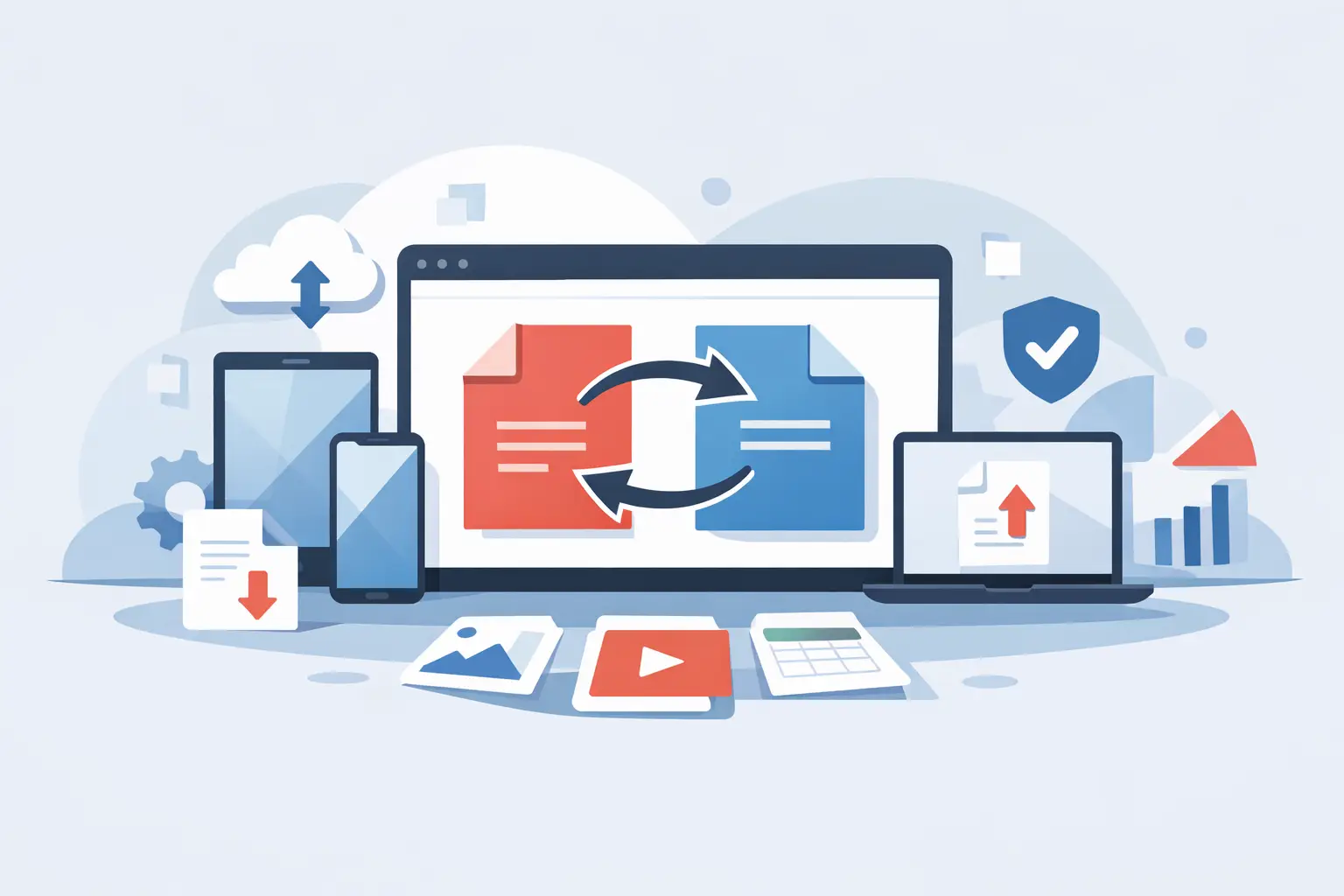
You usually notice the need for a free PDF converter when something urgent lands in your inbox. A vendor sends a scanned contract you need in Word. Payroll wants a spreadsheet turned into a PDF. HR needs a signed form uploaded before the day ends. The problem is rarely the file itself. It is the delay caused by the wrong format at the wrong time.
That is why the best converter is not the one with the longest feature list. It is the one that gets the document into the format you need, without broken layouts, missing text, extra steps, or security concerns. For professionals, small teams, and anyone handling forms regularly, speed matters. Accuracy matters more. Trust matters most when the file contains tax details, employee data, contracts, or financial records.
What a free PDF converter should actually do
A good free PDF converter should handle common tasks cleanly. That includes turning Word, Excel, PowerPoint, and image files into PDFs, and converting PDFs back into editable formats when needed. If the output looks wrong, the tool did not really save you time.
Formatting is the first test. Tables should stay aligned. Fonts should not shift without warning. Images should stay sharp enough to read. With business documents, even small changes can create extra work. A broken invoice, a misaligned form field, or a jumbled report can take longer to fix than recreating the file from scratch.
The second test is ease of use. A browser-based tool is often the fastest option because there is nothing to install, update, or troubleshoot. You upload the file, choose the output format, and download the result. That sounds simple, but not every tool gets it right. Some bury basic actions behind account walls, limit file types too aggressively, or add friction with unnecessary steps.
The third test is security. Free should not mean careless. If you are converting offer letters, tax forms, signed agreements, or internal business documents, you need to know how files are handled. Bank-grade encryption, GDPR compliance, and automatic file deletion are not marketing extras. They are practical standards for anyone working with sensitive information online.
Free PDF converter trade-offs are real
There is no single best tool for every situation because file conversion always involves trade-offs. If you only need to turn a single JPG into a PDF for a quick upload, almost any basic tool can do the job. If you need to convert a multi-page PDF into an editable document while preserving structure, the bar is much higher.
Free tools often differ in three areas: output quality, file limits, and workflow depth. Some are excellent for one-off personal use but struggle with larger files or repeated tasks. Others are fast and accurate, but only for a narrow set of formats. And some offer free access at the start, then block useful steps right before download.
That does not mean free tools are not valuable. They are. It just means you should match the tool to the job. A simple conversion request does not need enterprise software. But if conversion is part of a daily workflow, the real value comes from having adjacent tools in the same place - editing, compressing, organizing, signing, and filling forms without switching platforms.
When free is enough
If your needs are occasional, a free PDF converter can be more than enough. Students, freelancers, contractors, and office staff often just need to convert a document and move on. In those moments, convenience matters more than advanced controls.
The best experience is fast, clear, and predictable. You should know what formats are supported, how long processing takes, and whether your file stays private. If a tool handles that well, free access is genuinely useful, not a stripped-down teaser.
When free becomes expensive
The cost shows up in lost time. If you have to reformat the converted file, re-upload it to a second service, or clean up errors before sending it out, the “free” option can become the slowest path.
This happens often with scanned PDFs, detailed spreadsheets, and official forms. Converting a tax document or onboarding form is not just about changing file type. The file still needs to be readable, complete, and ready for the next step. If that next step is editing, signing, or submitting, a fragmented workflow creates more risk and more manual work.
How to evaluate a free PDF converter
Start with the formats you actually use. Most people do not need every possible conversion pair. They need the basics to work every time: Word to PDF, Excel to PDF, JPG to PDF, PDF to Word, and sometimes PDF to image. If those are reliable, the tool covers most business and personal needs.
Then check output quality on a real document, not a sample file. Use something with tables, headings, logos, or form fields. A clean result tells you more than any product page ever will.
Speed is next. Instant processing is not just a convenience feature. It is part of staying productive when you are managing multiple files or trying to meet a deadline. A converter should feel like a utility, not a project.
Security should be easy to verify. Look for 256-bit SSL encryption, clear privacy handling, and file deletion policies. For HR, finance, operations, and compliance-related work, this is not optional.
Finally, think beyond the conversion itself. If you usually convert a file and then compress it, merge it, edit it, or fill a related form, you will save time with a platform that keeps those tasks together. That is especially true for businesses managing repeat paperwork.
Why browser-based PDF conversion fits modern work
Most document work now happens across devices and locations. You might open a contract on a laptop, review it on a phone, and send the final PDF from a desktop. A browser-based converter fits that reality better than desktop-only software for many users.
It removes installation delays and works well for distributed teams, remote staff, and people using shared or managed devices. It also reduces version issues. Everyone accesses the same tool, the same workflow, and the same output standard from wherever they are working.
For small businesses and admin teams, that simplicity matters. You do not need a training session to convert a file. You need a dependable tool that works now.
A free PDF converter is better when it is part of a workflow
Conversion is rarely the final step. Most documents need something else right after. A PDF might need edits, signatures, compression for email, page reordering, password protection, or text extraction. In many workplaces, the real problem is not file conversion alone. It is the constant hopping between disconnected tools.
That is where an all-in-one platform stands out. If you can convert a file, make quick edits, organize pages, secure the document, and complete related forms in one browser session, the process becomes faster and less error-prone. For teams handling W-9s, W-4s, I-9s, 1099-NECs, contracts, and supporting documents, that kind of setup removes a lot of paperwork friction.
PDF Awesome fits that practical need well because it combines free core PDF tools with fillable official forms and security standards that professionals expect. That matters when your workflow includes both document formatting and actual operational paperwork.
What most people get wrong when choosing a converter
They focus only on price or only on features. The better question is whether the tool helps you finish the task from start to finish.
A free PDF converter that saves two minutes per file can be more valuable than a feature-heavy platform you avoid using. On the other hand, if your work involves recurring forms, compliance documents, or client-ready files, bare-minimum conversion is often not enough. The right choice depends on how often you do this work, how sensitive the files are, and what happens after conversion.
That is the practical standard: choose the tool that reduces friction without creating new risks. If it is fast, accurate, secure, and easy to use from any device, it is doing its job. And if it also helps you handle the next document task without starting over somewhere else, that is when a free tool starts feeling genuinely useful.
The best test is simple - take the document that is slowing you down right now and see whether your converter clears the path or adds another step.
