
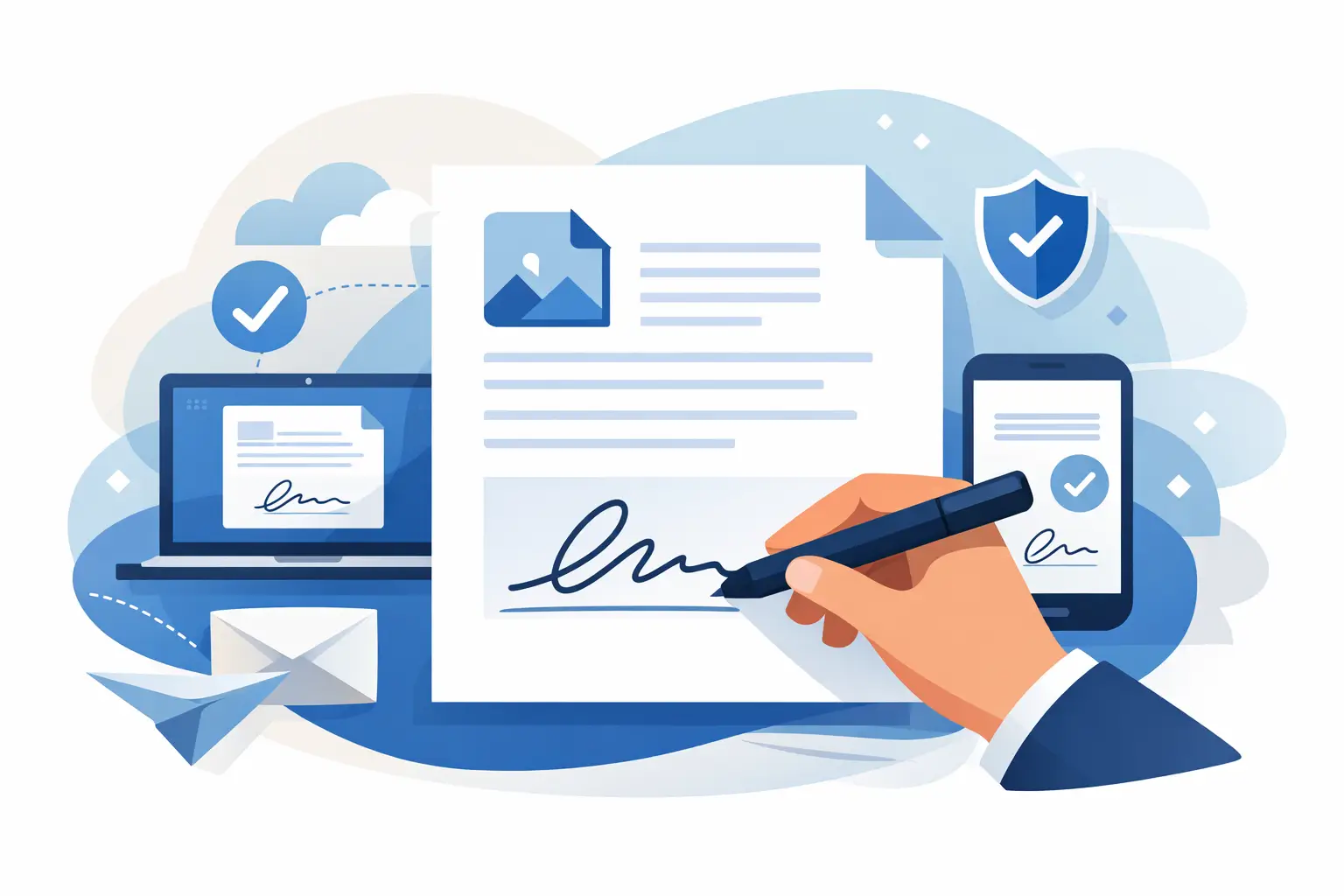
A signed PDF should take two minutes, not twenty. But when the file won’t open properly, the signature tool is buried, or you’re asked to install software just to add your name, a simple task turns into unnecessary admin work. If you need to sign PDF electronically online, the fastest approach is usually the best one: open the file in your browser, place your signature, review the document, and send it back without changing devices or chasing extra apps.
That sounds straightforward because it is - at least when the tool is built for everyday document work. The real question is not whether you can sign a PDF online. It’s whether you can do it quickly, securely, and without creating new problems for yourself or your team.
What it means to sign PDF electronically online
Electronic signing is the process of adding a legally recognized signature to a digital document without printing it. In most day-to-day business and personal use cases, that means typing your name, drawing your signature, or uploading a saved signature image and placing it in the correct field.
For many users, that’s all they need. A contractor signing a W-9, an employee completing onboarding documents, a small business owner approving a vendor form, or an admin sending back a signed agreement usually wants speed and a clear record of what was signed. A browser-based workflow fits that need well because it keeps the process simple.
It helps to separate electronic signatures from more advanced digital signature systems. A standard electronic signature is often enough for contracts, internal approvals, tax forms, and routine paperwork. A digital signature, on the other hand, may involve certificate-based identity verification and is more common in highly regulated environments. If you work in legal, government, or enterprise procurement, the right option can depend on your compliance requirements.
How to sign a PDF electronically online without slowing down your day
The most efficient workflow starts before you place the signature. Open the PDF and check whether it is the final version. If the document still needs edits, complete those first. Signing too early can create version confusion, especially when multiple people are involved.
Once the file is ready, add your signature in the right place and review the full document before saving. That review matters. It catches blank fields, wrong dates, and missing initials before the file goes back to a client, vendor, employee, or tax preparer.
After signing, save a copy with a clear filename. Something like “Signed_W9_CompanyName_Date” is much better than “final-final-2.pdf.” Small habits like that reduce back-and-forth later.
A simple browser-based signing process
Most online PDF signing tools follow the same basic path. You upload the PDF, choose the sign feature, create or insert your signature, place it on the page, and download the completed file. If the platform also includes form filling, you can usually complete text fields, checkboxes, and dates in the same session.
That matters more than it sounds. Many business documents are not just signature requests. They also require tax IDs, addresses, employment details, or payment information. Handling all of that in one browser-based workflow is faster than switching between separate tools for editing, signing, and converting.
When online PDF signing makes the most sense
If your work involves recurring forms, online signing can remove a surprising amount of friction. HR teams regularly process I-9s, W-4s, and offer paperwork. Finance teams work through invoices, approvals, and tax forms. Small business owners sign agreements, vendor packets, and compliance documents. In each case, speed matters, but so does consistency.
An online workflow is especially useful when documents come from different sources. Maybe one file starts as a scanned PDF, another as a fillable tax form, and another as a standard contract. If you can edit, organize, sign, and return them from one place, you avoid the usual patchwork of file converters, e-sign tools, and PDF editors.
For one-off personal use, the same logic applies. If you need to sign a lease addendum, permission slip, or service agreement from your phone or laptop, you probably do not want to install desktop software for a single task.
Security matters when you sign PDF electronically online
Convenience only works if the document stays protected. Signed PDFs often contain personal information, tax details, payment terms, or employment data. That means security is not a bonus feature. It is part of the job.
Look for a platform that uses bank-grade encryption, secure file transfer, and automatic file deletion after processing. If you’re handling sensitive business or HR documents, GDPR compliance and clear privacy practices also matter. These are practical safeguards, not just technical labels.
There is also a workflow side to security. Browser-based signing reduces the need to email editable files back and forth across multiple tools. Fewer handoffs generally mean fewer mistakes, fewer duplicate versions, and less risk of exposing the wrong file.
What to check before uploading a document
Before you upload any PDF for signature, confirm that you’re using a trusted platform and that the file is the correct version. If the document includes confidential personal or financial information, make sure the provider clearly states how files are encrypted, processed, and deleted.
If you work in a company setting, check internal policy too. Some organizations require approved tools for contracts, tax forms, or employee records. The fastest tool is only the right tool if it also fits your security requirements.
Common issues that slow down online signing
The biggest problem is often not the signature itself. It’s the document around it. Scanned PDFs may be hard to edit. Some files arrive in the wrong format. Others are missing fillable fields or include pages that should have been removed before signing.
This is where an all-in-one document platform has a real advantage. If you need to convert a file, rotate pages, compress a large PDF for sharing, or fill in fields before signing, doing that in the same workflow saves time and avoids quality loss from repeated exports.
Another common issue is unclear legal intent. If the document is incomplete, has unresolved edits, or lacks a final review, the signature step becomes risky. Fast signing is useful, but accuracy comes first. A signed mistake still creates extra work.
How to choose the right tool to sign PDF electronically online
Not every signing tool is designed for the way professionals actually handle documents. Some are fine for occasional personal use but become inefficient once you deal with forms every day. Others focus narrowly on signatures and leave you stuck when the PDF needs editing, conversion, or organization first.
A better fit usually includes three things: speed, document flexibility, and visible security standards. Speed means instant processing in the browser. Document flexibility means you can handle forms, text fields, scanned PDFs, and standard business files without switching platforms. Security means encryption, compliance, and file-handling policies you can actually verify.
If your work includes tax and employment forms, built-in access to official fillable documents can save even more time. Instead of searching for the latest version elsewhere, you can go straight from form selection to completion to signature in one session. That is particularly useful for recurring documents like W-9s, W-4s, I-9s, and 1099-NEC forms.
For users who want one place to manage everyday PDF tasks, PDF Awesome fits that workflow well by combining signing, editing, forms, conversion, and security tools in a single browser-based platform.
A few trade-offs to keep in mind
Online signing is usually the fastest option, but there are cases where it may not be enough on its own. If a transaction requires advanced identity verification, certificate-based signing, or a detailed audit trail for strict regulatory reasons, you may need a more specialized setup.
File quality can also affect the experience. A clean, fillable PDF is easy to work with. A blurry scan of a ten-page form with handwritten notes is not. In those situations, you may need to clean up the file first or re-create parts of it digitally.
That doesn’t make browser-based signing the wrong choice. It just means the best workflow depends on the type of document, the sensitivity of the data, and how formal the signing requirements are.
The fastest way to make signed PDFs routine
The real value of online PDF signing is not that it feels modern. It’s that it removes repeat friction from work that has to get done anyway. When the same platform lets you open a form, fill it out, sign it, protect it, and send it back in minutes, paperwork stops interrupting your day.
That is the standard worth aiming for: no downloads, no scattered tools, no unnecessary delay. A signed document should move work forward, not create another task. Choose a process that keeps it that simple.
