
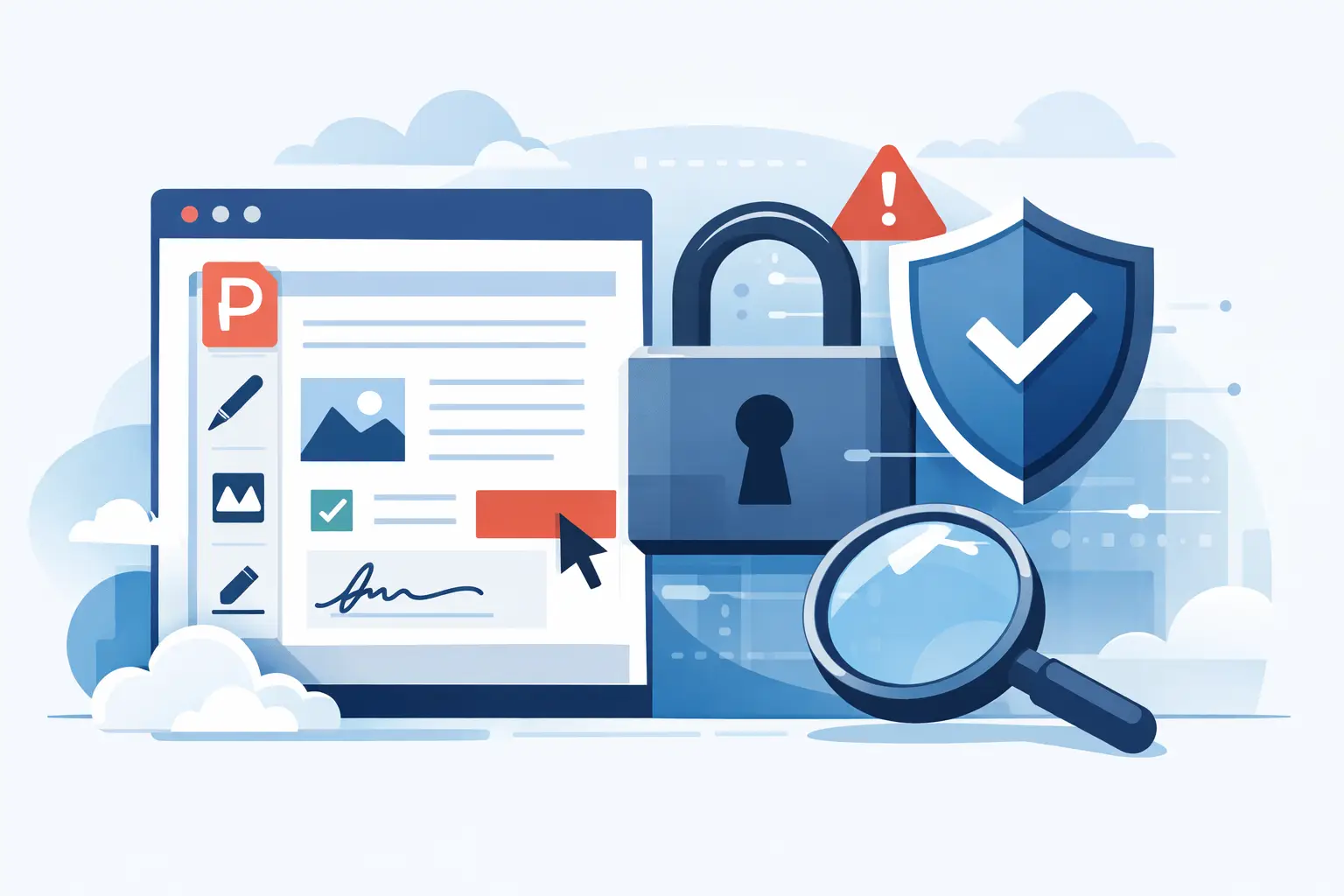
You probably do not ask whether online PDF editing is safe until the file in front of you includes payroll details, a signed contract, a W-9, or someone’s home address. At that point, convenience stops being the only factor. If you are uploading documents to a browser-based tool, the real question is not just is online PDF editing safe, but safe compared to what, and under which conditions.
The short answer is yes - online PDF editing can be safe. But it depends heavily on the platform, the type of document, and how that document is handled before, during, and after processing. A secure browser-based PDF tool can be a practical option for everyday business workflows. A poorly managed one can create unnecessary risk.
Is online PDF editing safe for sensitive files?
It can be, but not every file deserves the same treatment. Editing a restaurant menu PDF is very different from filling out a tax form, onboarding packet, or customer agreement. The more sensitive the file, the more you should care about encryption, file retention, access controls, and data handling policies.
For many professionals, browser-based editing is safer than passing documents around through email attachments, saving copies across multiple desktops, or using outdated software that never gets patched. Online tools centralize the task and can reduce file sprawl. That matters if you routinely work with contracts, compliance paperwork, HR forms, invoices, or signed records.
Still, safety is not automatic. A platform needs to prove that it treats your files like sensitive business data, not temporary clutter.
What actually makes online PDF editing safe
The safest platforms usually share a few clear traits. First, they protect files in transit with encrypted connections, typically 256-bit SSL. That means the document is protected while moving between your device and the service. Without that baseline, uploading anything confidential is hard to justify.
Second, they protect files at rest or avoid storing them longer than necessary. Temporary processing is one thing. Open-ended storage is another. If a service keeps your documents indefinitely without a clear reason, that should raise questions.
Third, they limit who can access uploaded files. Good systems are designed so files are processed automatically, with restricted internal access and clear controls around handling. This is especially relevant for businesses dealing with employee records, tax documents, or customer information.
Fourth, they are transparent about privacy practices. GDPR compliance, clear retention windows, and straightforward terms are useful signals. They do not guarantee perfection, but they show the service has thought seriously about data protection.
Finally, secure platforms build deletion into the workflow. Auto-deleted files reduce exposure. If you only need to edit, convert, merge, or fill a document once, there is no reason it should sit on a server for days unless you explicitly want that.
The biggest risks are usually not where people think
Most people picture a dramatic breach. That can happen, but routine mistakes are more common. Uploading the wrong version, leaving files in shared folders, reusing public Wi-Fi without protection, or sending completed PDFs over email can expose data faster than the editing tool itself.
Another common issue is using random free services without checking how they make money. If the privacy policy is vague, the security language is thin, or the site feels anonymous, that is a risk signal. Free can still be legitimate, but free without trust markers usually means you are guessing.
There is also a difference between editing and account-based storage. Some platforms process your file and delete it. Others double as long-term repositories. Neither model is automatically unsafe, but long-term storage carries a larger responsibility. If you do not need cloud storage, a tool with instant processing and automatic deletion may be the better fit.
How to evaluate whether an online PDF editor is trustworthy
Start with the basics. Look for HTTPS and a visible security posture. If a platform mentions 256-bit SSL, encrypted transfers, privacy compliance, and automatic file deletion, that is a good sign. If it says little or nothing about security, assume you are missing part of the story.
Then check whether the service explains how files are handled. You should be able to tell whether documents are stored, for how long, and whether they are deleted automatically. A trustworthy platform makes this easy to find because it knows security is part of the product, not a footnote.
Next, consider the audience the platform is built for. A tool used by professionals handling contracts, onboarding documents, tax forms, and recurring admin work has more reason to invest in secure workflows than a generic file site with no clear use case. Volume alone is not enough, but real business usage usually pushes platforms toward stronger controls.
You should also think about the task itself. If you only need to compress a brochure, your threshold may be lower. If you are editing a 1099-NEC or I-9, your threshold should be much higher. Risk assessment should match the document.
When online PDF editing makes sense
For many workflows, browser-based editing is the most practical option. It works well when you need to make a quick correction to a contract, fill out an official form from any device, combine records for reporting, or convert a file without installing desktop software. That is especially useful for small teams, contractors, HR staff, and finance users who need speed without adding IT overhead.
This is where secure, self-service platforms are strongest. They reduce delays, avoid software downloads, and keep document tasks moving. If the service combines editing, conversion, organization, security tools, and access to fillable forms in one place, it also cuts down on the messy habit of hopping between multiple websites for a single job.
For example, a user filling a W-4, updating a signed PDF, and compressing a file for submission should not have to juggle three different tools and several extra copies of the same document. Fewer handoffs usually means fewer chances for something to go wrong.
When you should be more cautious
Some files deserve extra scrutiny no matter how convenient the tool is. That includes documents with Social Security numbers, banking details, protected health information, or highly confidential legal terms. In those cases, you want to verify not just encryption but the full handling process.
If your company has internal policies around regulated data, follow them first. A secure online editor may still be acceptable, but the decision should line up with your compliance requirements. Safety is partly about technology and partly about process.
You should also be cautious when using shared or public devices. Even if the platform is secure, a saved download, browser autofill, or forgotten sign-in can create a local risk. The platform can only control part of the chain.
A practical standard for deciding
If you are asking is online PDF editing safe, use a simple standard. Would you trust this platform with a document that matters on a busy workday, when you need speed and cannot afford a mistake? If the answer is yes, it should have visible encryption, clear retention rules, limited access, transparent privacy practices, and a professional workflow built for real document handling.
That is also why platforms such as PDF Awesome emphasize bank-grade 256-bit SSL, GDPR compliance, and auto-deleted files. Those features are not marketing extras. They are the difference between a convenient tool and one that is prepared for actual business use.
Online PDF editing is not inherently risky or inherently safe. It is a tool category, and the quality varies. The smart move is not to avoid browser-based editing altogether. It is to choose a service that treats security as part of speed, not the price of it.
When a document matters, the best workflow is the one that lets you finish the job quickly without wondering where your file goes next.
